System[Basic-Guide] Main Screen
2024-09-26 10:53
This is Darkgamer Game Guide.
You may check detailed explanation below.
※ Moonlight Sculptor: Darkgamer can be played on both Mobile and PC, This guide is based on PC Version.

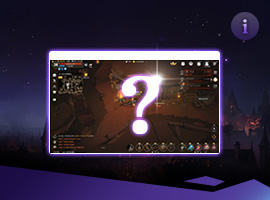
| ■ Game Screen |
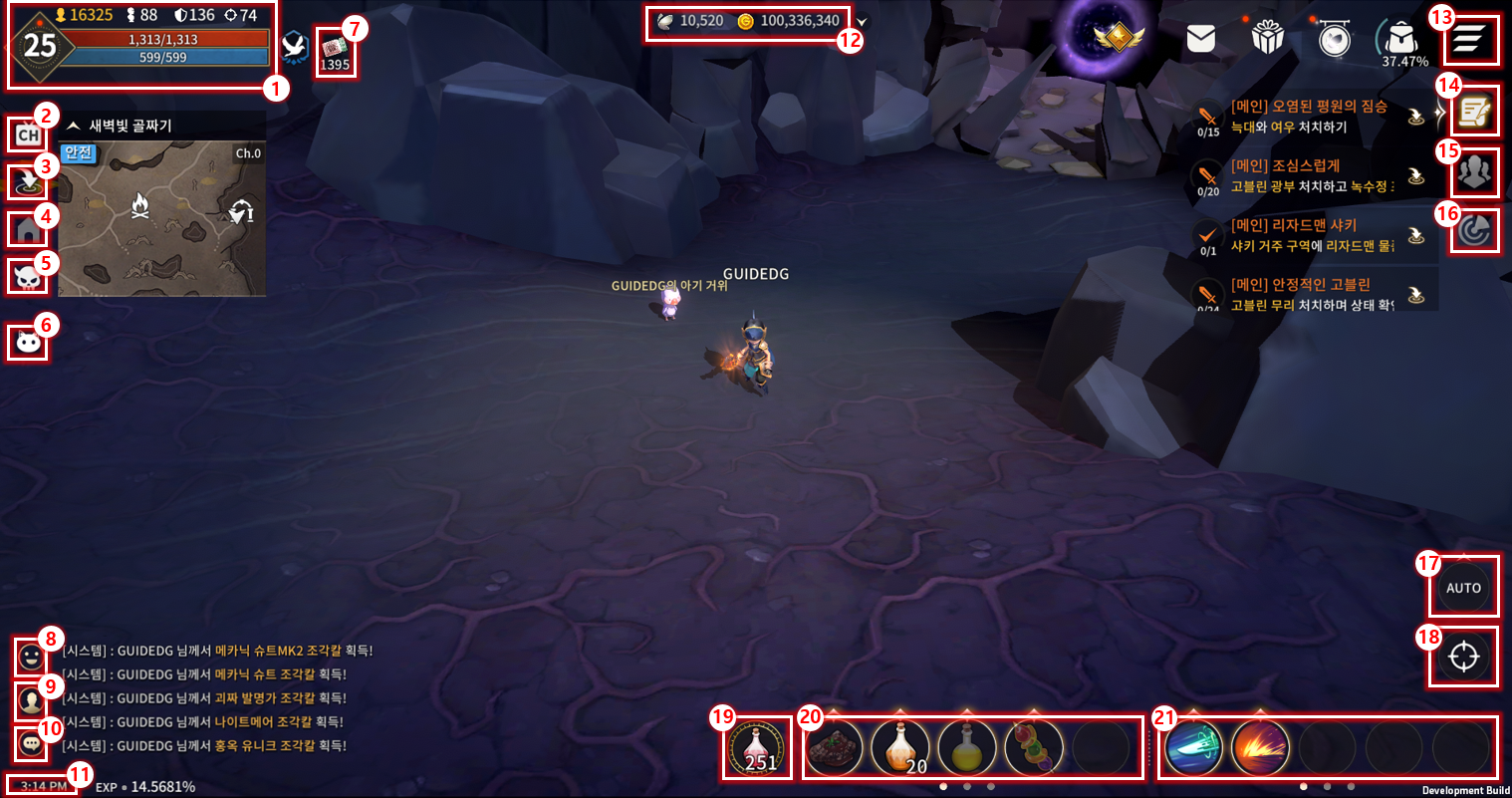
| No. | Category | Detail |
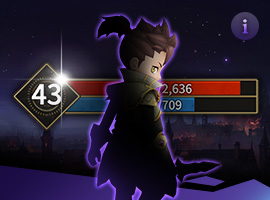
| 1 | Character Status | Displays CP, ATK, DEF, ACC, Lv, HP/MP, Buffs, etc |
| Click Character's Level Button to display detailed statistics, Image, and Titles fo the Character. | ||
| 2 | Select Channel |
Displays available channels of the region the Character is located in. |
| 3 | Return | Return to set return location. Has 1 minute cooldown. |
| 4 | Housing | Will be Updated. |
| 5 | Timetable | Displays timetable of in-game contents. (Bosses, etc) |
| 6 | Buddy | Displays Buddy UI. |
| Adventurers may view the list, Fuse, Confrim and set the Image of Buddies. | ||
| 7 | Lucky Roullette Ticket | Eliminate Monsters to acquire Lucky Roullette Tickets. |
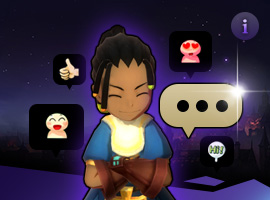
| 8 | Imoticon | Displays available list of Emoticons, Emoticons are displayed on top of the head and Chat. |
| 9 | Gesture | Displays the available list of Gestures that Character can use. |
| 10 | Chat | Displays Chat interface. Press Enter on PC Version to immediately access it. |
| 11 | Device Environment/Exp | Displays current device's battery status, data connectivity, curren time, and Character Exp. |
| 12 | Currency List | Displays currencies that Character owns. |
| Gold, Butterfly, Mileage, Guild Insignia, etc. | ||
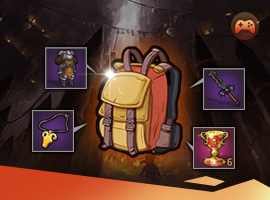
| 13 | Game Menu | Icons of Membership, Mail, Event, Shop, Bag, and Menu. |
| 14 |
Quest UI | Displays Main and Sub Quests |
| Click to move to Quest location (Some Quests may not apply) | ||
| 15 | Party UI | Displays Party UI |
| Invite, Leave, and Banish using this UI. | ||
| 16 | Scan | Function to Scan for opponents and enemies. |
| You may set the criteria for the Scan function. | ||
| 17 | Auto-hunt | Auto-hunt Button. |
| Click to enable Auto-hunt. | ||
| 18 | Target Icon | Targets nearby enemies automatically. |
| If Auto-hunt is OFF, only normal attacks are used. | ||
| 19 | HP Potion | HP Potion UI. |
| Click to use HP Potions, and set HP Potions are automatically consumed if HP drops below Settings. | ||
| 20 | Item Quick-Slot | Consumable item Quick-Slot. |
| You may register up to 15 items to Quick-Slot, and slide-click to move between Quick-Slots(Max 3). | ||
| Items registered to Quick-Slot can be automatically consumed, you may hold and slide up to change it to OFF. | ||
| 21 | Skill Quick-Slot | Skill Quick-Slot. |
| You may register up to 15 skills to Quick-Slot, and slide-click to move between Quick-Slots(Max 3). | ||
| Skills registered to Quick-Slot can be automatically consumed, you may hold and slide up to change it to OFF. | ||
| Continuous skills cannot be registered. |
※ This guide was produced under test environment.
※Impersonating Character Name used in the guide can lead to account sanction.